AI solutions
AI workflow automation with people in control
We automate the manual steps that slow down operations, finance and support teams. Models read the emails, PDFs and forms, rules make the routine calls, and your team sees only the cases that need judgment.
01 /
Where rule-based automation runs out
- OpenAI
- Claude
- Gemini
- Python
- Node.js
- FastAPI
- Temporal
- Apache Airflow
- PostgreSQL
- Redis
- Docker
Many back-office processes are already partly automated. A form feeds a spreadsheet, a rule sends an email, a script copies records overnight. What stays manual is the part that needs reading: a supplier invoice in a new layout, a customer email that mixes two requests, a contract clause that changes who must approve. Language models can now do that reading well enough to automate, provided the system checks their work.
Krapton builds automations that combine both kinds of work. We map each workflow step by step, then split it into what a model should do, such as extracting fields or classifying a request, and what code should do, such as validating totals, applying thresholds and writing to your systems through their APIs. Every AI step is checked, and anything that fails a check goes to a person with the evidence attached.
The aim is a process your team trusts. Routine items move through without anyone touching them, exceptions arrive sorted and explained, and every automated decision can be traced back to the input behind it. It connects to the systems you already run, so the change for your team is fewer manual steps, not a new platform to learn.
02 /
Processes worth automating first
Good candidates share three traits: steady volume, inputs that vary and rules a person can explain. These are common starting points.
Accounts payable intake
Supplier invoices arrive by email in any layout. Fields and line items are extracted, matched to purchase orders and receipts, checked for duplicates and posted to your accounting system for approval.
Shared inbox and request triage
Emails and web forms are sorted by intent and urgency, key details are copied into your case system, and a draft reply waits for the owner, so nothing sits unread in a shared mailbox.
Customer and employee onboarding
Documents and forms are collected, checked for completeness and consistency, and turned into accounts, records and first tasks across your systems, with a person signing off anything unusual.
Reconciliation and data sync
Records that should agree across billing, CRM and finance are compared on a schedule. Each mismatch is explained in plain language, clear-cut fixes are applied, and the rest wait in a review queue.
Recurring reports and summaries
Weekly operations reports, account reviews and meeting follow-ups are compiled from your systems and written up in your format, with every figure pulled by a query rather than produced by the model.
Compliance and quality checks
Contracts, claims or submissions are checked against your checklist before they move on. Each finding cites the clause or field it came from, so reviewers confirm issues instead of hunting for them.
03 /
What each automation comes with
Process map and baseline
The current steps, volumes, handling times and error sources, measured before the build so the result can be compared fairly.
The production workflow
Running on your infrastructure or ours, with retries, duplicate protection and an alert whenever a step fails.
Exception review queue
One screen where your team sees each flagged item, the extracted data and the reason it was flagged, then approves, corrects or rejects it.
Accuracy test set
Past items with known correct results, rerun whenever a prompt, model or rule changes, so a drop in quality is caught before release.
Process dashboard
Volume, straight-through rate, exception reasons, turnaround time and model cost per item, visible to the process owner.
Operating guide
How to pause the workflow, reprocess failed items, adjust thresholds and add a new document type, written for your team.
04 /
How we automate a process
We automate in slices, and each slice goes live only after it has matched your team on real work.
01
Map and measure
We interview the people who do the work, record each step with its inputs and exceptions, and measure volumes and handling time. Then we rank the steps by the time automation would return against the risk it adds.
02
Split the work between AI, rules and people
For every step we decide whether a model, a rule or a person should own it, set the confidence thresholds and design the exception path. Integrations use official APIs rather than screen scraping wherever the systems allow.
03
Run in parallel
The automation processes live items alongside your team without acting on them. We compare its output with theirs item by item, close the gaps and switch each step over only when it meets the accuracy you agreed.
04
Operate and extend
After go-live we track exception rates and cost per item, retune thresholds as patterns emerge and use the exception log to find the next step worth automating. The operating guide lets your own team run it without us.
05 /
Audit trails, failure and cost
An automation changes who handles your data, so it gets the same scrutiny as the process it replaces. Documents can be processed in your own cloud region, each step receives only the fields it needs, and retention follows your existing policy. Every automated write is logged with its source, so an auditor can follow any record back to the email or file that produced it.
We also design for the day something breaks. A failed step, a sudden drop in volume or a climbing exception rate alerts a named owner, and failed items wait in a queue to be reprocessed instead of disappearing. Model spend is tracked per item, with routine steps on smaller models, so the economics stay visible as volume grows.
06 /
From our work
- Coming Soon
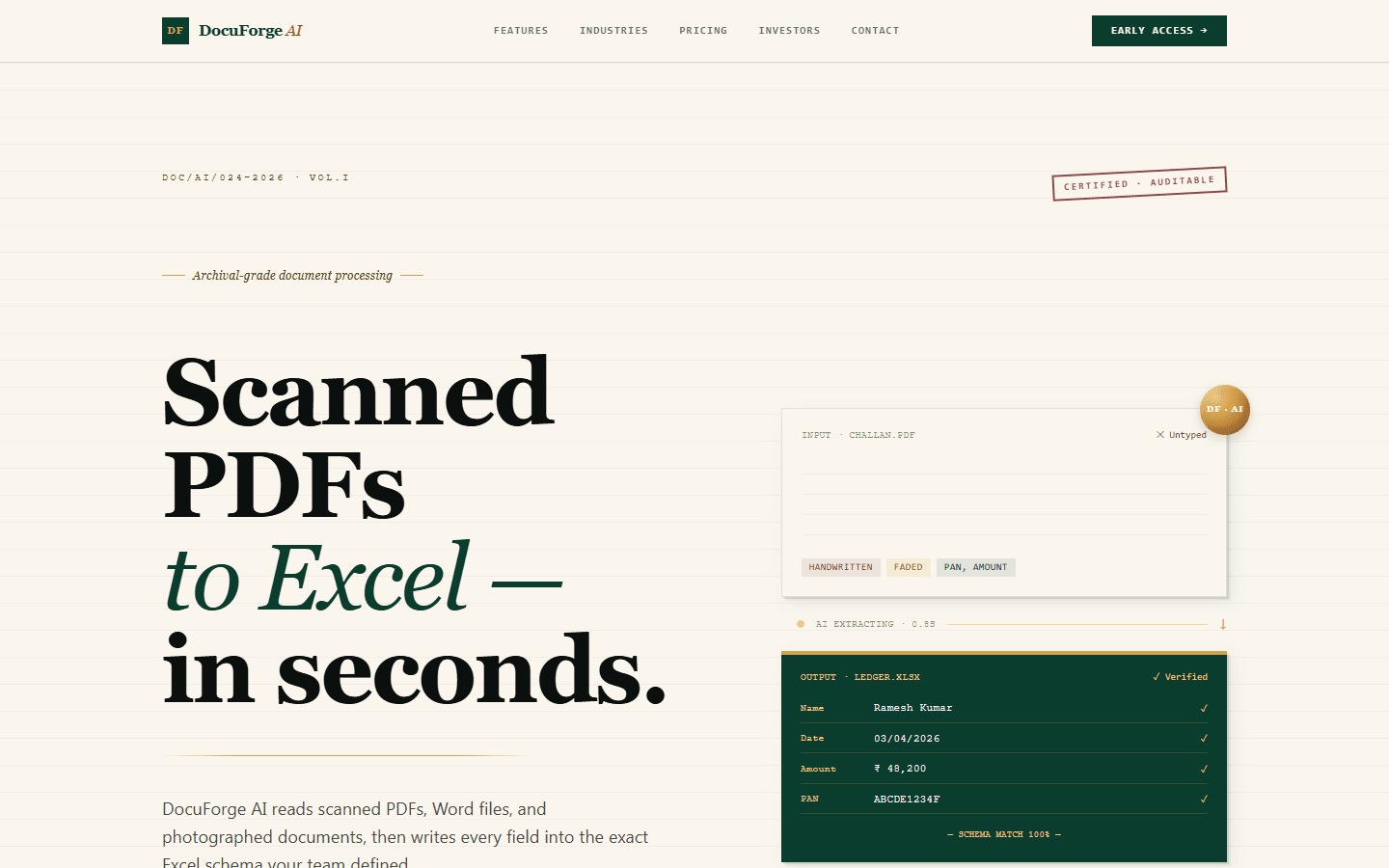
DocuForge AI
Turn scanned PDFs and Word docs into perfectly-formatted Excel — in seconds, not days.
- Drag-and-drop PDF, Word & image ingestion
- Custom Excel schema mapping per user
- Row-level confidence scoring
AI Product / AI / OCR
- Beta
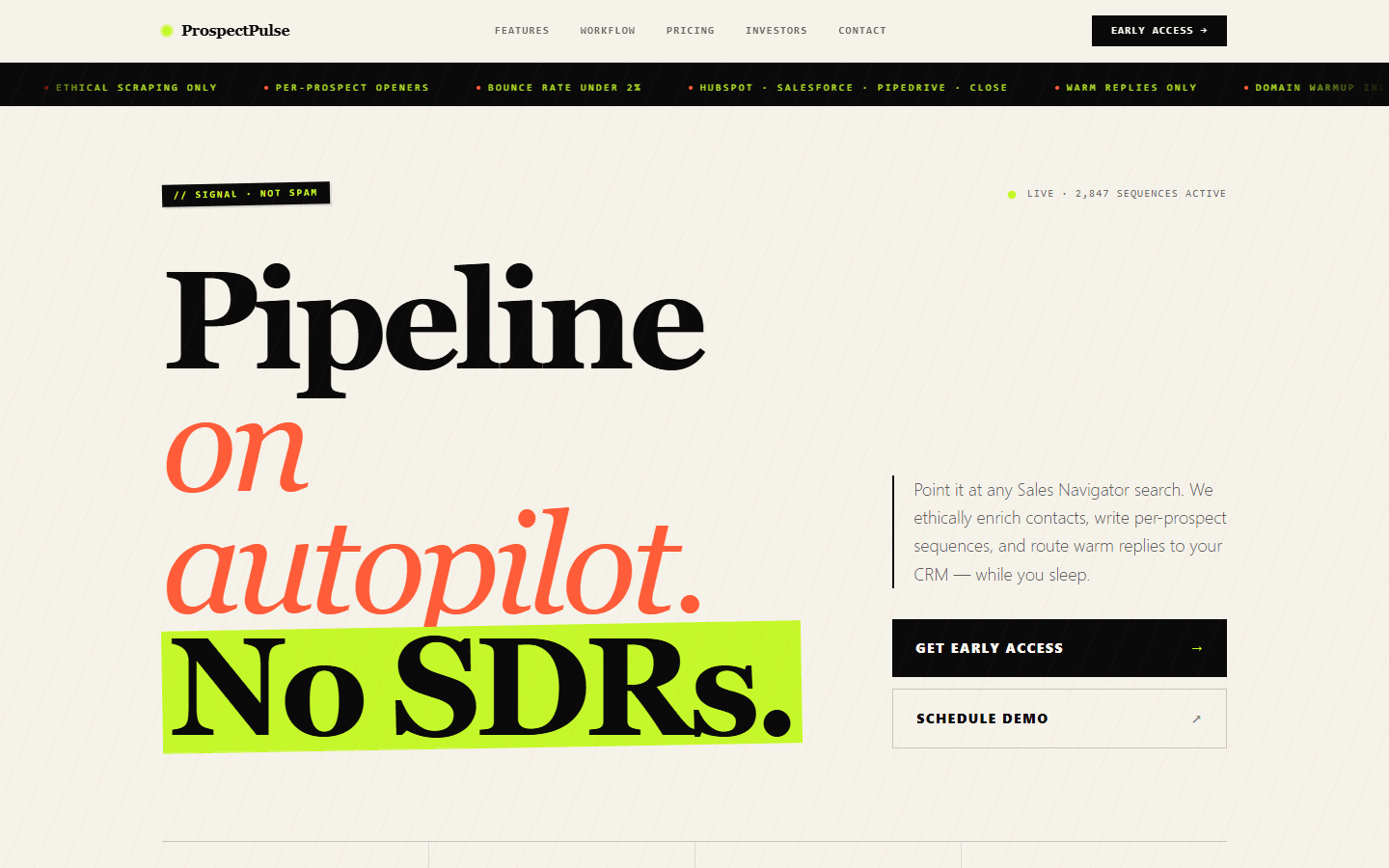
ProspectPulse
Fill your pipeline on autopilot — Sales Navigator scraping plus personalised outreach, fully automated.
- LinkedIn Sales Navigator contact extraction
- Verified email enrichment (SMTP + catch-all check)
- AI-personalised multi-step email sequences
SaaS Platform / SaaS / Lead Gen
07 /
Related services
Automate business workflows
Repeatable processes (onboarding, billing reminders, fulfilment) eat engineering and ops time every week.
Develop internal business tools
Your ops team runs on spreadsheets and Zapier glue, and it's breaking under load.
Create customer support AI
You need an AI layer over your support stack — triage, summarise, draft replies — without ripping out tooling.
AI agent development
Agents that plan, use your tools and finish multi-step work.
API development
Empower your applications with our robust API development services.
RAG and knowledge search
Cited answers from your documents and systems.
08 /
Frequently asked questions
Which business processes can be automated with AI?
Processes with steady volume, inputs that arrive as text, documents or email, and rules someone can explain. Invoice intake, request triage, onboarding checks, reconciliations, recurring reports and compliance reviews are common examples. Decisions that rest on judgment nobody can write down are better left with people, with AI gathering and preparing the information for them.
Should we use AI automation or RPA?
Often both, each where it fits. Robotic process automation (RPA) repeats clicks on a screen and is dependable when inputs never change. AI steps handle inputs that do change, such as free text and new document layouts. We prefer APIs to screen automation because they break less often, and we keep existing RPA bots where they already work well.
What happens when the AI gets something wrong?
Each AI output is checked before it is used: totals must add up, required fields must be present and values must match the source records. Items that fail a check or fall below the confidence threshold go to the review queue with the reason shown. Every correction is logged and added to the test set, so the same mistake is caught before the next release.
Which tools and systems can you connect?
Most business systems that offer an API, including NetSuite and other accounting or ERP platforms, Salesforce, HubSpot, helpdesk tools, Google Workspace, email inboxes, file drops and databases. Where a tool has no API, we look for an export, a webhook or an email route before considering screen automation.
How do we measure the return on AI automation?
Against the baseline taken before the build: time spent per item, turnaround, error and rework rates, and cost per item including model usage. The dashboard tracks the same measures after launch, so the comparison uses your own numbers rather than an estimate. If a step does not pay for itself, it goes back to a person.
Do we need custom automation, or is a no-code tool enough?
For simple, low-risk flows that your team wants to edit itself, a no-code tool such as Zapier or n8n is often enough. Custom automation earns its cost when a workflow has AI steps that need checking, high volume, retries, strict permissions or an audit trail. The two can also work together, with a no-code flow triggering the custom service.
Ready to build AI that actually works in production?
Tell us about your AI project and get a free technical consultation within 24 hours. We'll map your use case, assess your data, and give you an honest feasibility assessment — no sales pitch.