AI solutions
RAG development for answers backed by your documents
We build retrieval-augmented generation (RAG) systems that search your documents, wikis, tickets and databases, then answer in plain language and cite the passages they used. People only see content they are already allowed to open.
01 /
The work behind answers you can trust
- OpenAI
- Claude
- Gemini
- LlamaIndex
- LangChain
- PostgreSQL
- pgvector
- Pinecone
- Qdrant
- Elasticsearch
- Python
- FastAPI
A RAG demo is easy to build: split a few PDFs, embed them, ask a question. Production is harder. Real content arrives as scanned contracts, slide decks, spreadsheets and pages that contradict each other. Users ask vague questions full of internal jargon. Some documents are confidential, others are out of date, and a wrong answer delivered with confidence does more harm than no answer at all.
Krapton builds the parts that decide whether answers can be trusted. We parse each format properly, including tables and scanned pages, split content along its real structure, attach metadata such as owner, date and access rights, and combine keyword and semantic retrieval with a reranking step. The model then answers only from the passages it receives and cites them, or says plainly that it found no answer.
The same foundation can serve several products: a search page for staff, an assistant in Slack or Microsoft Teams, a help widget for customers or an API your own application calls. What changes between them is the interface and the permissions, not the discipline behind the answers.
02 /
Where cited answers pay off
Good fits have plenty of written knowledge, frequent questions and a real cost when someone gets the answer wrong.
Company-wide knowledge search
Staff ask in plain words and get one answer drawn from SharePoint, Confluence, Google Drive or Notion, linked to the exact passage and limited to files they can already open.
Support knowledge for staff and customers
Support staff get suggested answers from help articles, product docs and resolved tickets while a case is open, and the same index can power a customer help center that cites its sources.
Policy, legal and compliance lookup
Questions about contracts, policies and regulations are answered from the current approved version with the clause quoted, so reviewers check the source instead of trusting a summary.
Technical and product documentation
Engineers, technicians and sales engineers find exact specifications, procedures and compatibility notes across manuals and release notes, including the tables that basic text search tends to miss.
Proposal and questionnaire answers
Sales teams draft responses to security questionnaires and requests for proposal from past approved answers, with each response linked to its source so a reviewer can confirm it quickly.
Questions over structured data
Some questions need numbers, not passages. Document retrieval is combined with safe, read-only queries against your database or warehouse, so one answer can pair a policy quote with a live figure.
03 /
What the RAG build includes
Connectors and sync jobs
Scheduled or event-driven sync from each source, carrying edits, deletions and permission changes through to the index.
Ingestion and retrieval pipeline
Parsing, chunking, metadata and embeddings tuned to your content, with hybrid search and reranking.
Retrieval evaluation set
Real questions paired with the passages and answers that should come back, scored for retrieval quality and faithfulness on every change.
Search and answer interface
A web app, a Slack or Teams assistant, a help widget or an API, depending on who will use it.
Quality and usage dashboard
Questions asked, questions with no answer, user feedback, index freshness and cost per query, so gaps show up early.
Runbook for the index
How to add a source, rebuild the index, rotate credentials and investigate a bad answer.
04 /
How we build a RAG system
Retrieval is measured first and generation second, because a model cannot cite a passage it never received.
01
Audit sources and questions
We list the sources that matter, with their formats, owners, update rates and permission models, and collect real questions with known answers from future users. That question set guides every later decision.
02
Build ingestion and retrieval
Parsers handle each format, including tables and scans. Chunks follow headings and sections rather than fixed lengths, and we compare embedding models, hybrid weighting and reranking on your question set before choosing a design.
03
Ground the answers
The model receives only permitted, retrieved passages and must cite them. We test faithfulness and the refusal behavior when an answer is missing, and tune prompts until unsupported claims are caught by the evaluation, not by users.
04
Launch and keep it fresh
A pilot group uses the system first while we watch no-answer rates, feedback and index freshness. After launch, sync jobs, freshness alerts and a scheduled evaluation run keep quality from sliding as content changes.
05 /
Permissions, privacy and accuracy
A knowledge system must never become a way around access controls. Permissions are captured from each source at indexing time, refreshed when they change and applied as a filter before any passage reaches the model, so nobody receives an answer built from a file they could not open. Deleted and superseded documents leave the index on the next sync.
Indexed content keeps the privacy obligations it had before, so retention rules and personal data handling carry over to the index and the logs. The index and embeddings can live in your own cloud account, and model calls go through enterprise endpoints that do not use your data for training. Accuracy is reported as measured results on your question set and reviewed with your team before launch.
06 /
From our work
- Available
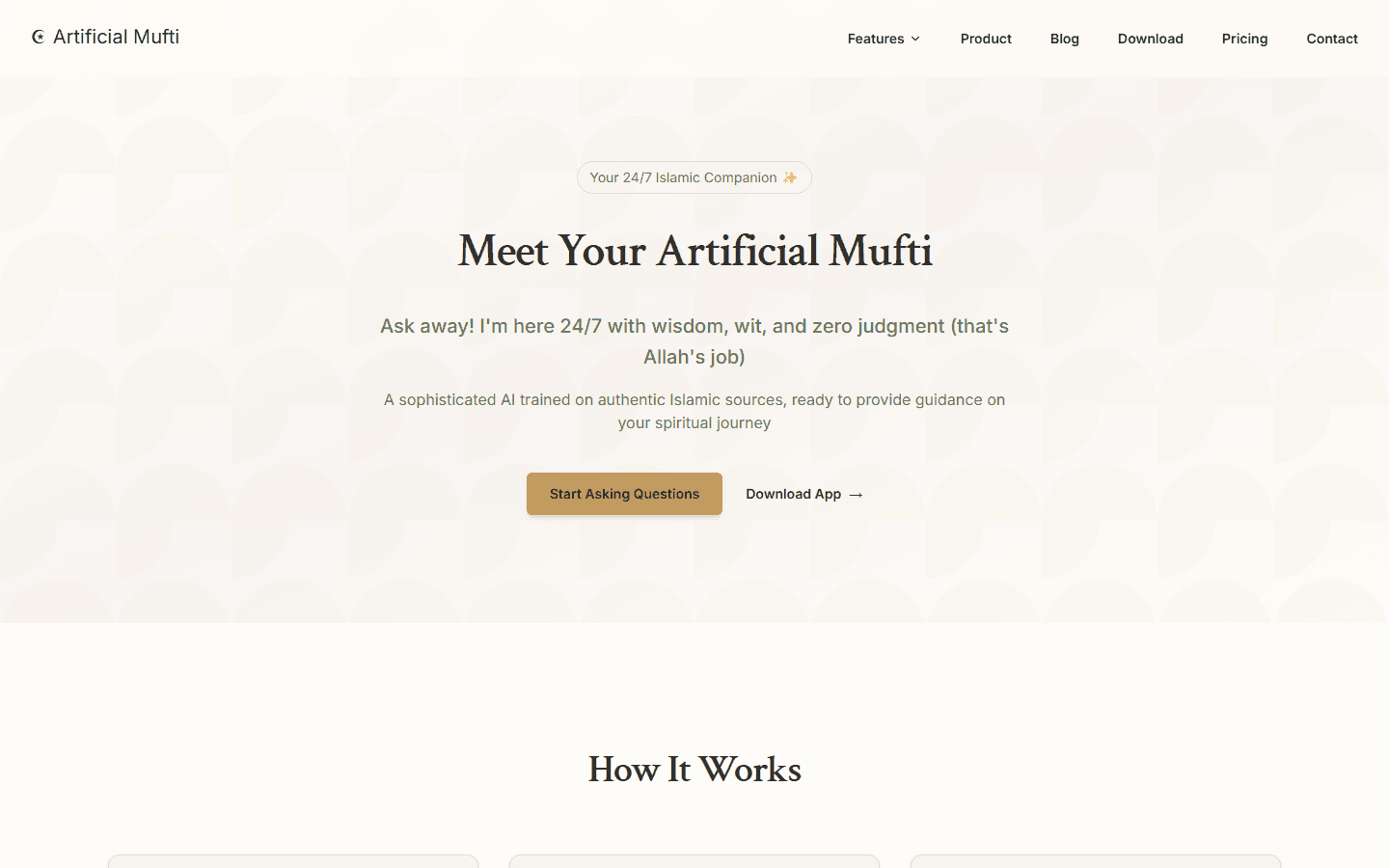
Artificial Mufti
Islamic guidance, powered by AI — instant answers, prayer tools, and Quranic wisdom on your phone.
- AI Mufti chatbot with source-backed answers
- GPS prayer times with Athan alerts
- Qibla direction finder via compass
AI Product / AI / Islamic
- Coming Soon
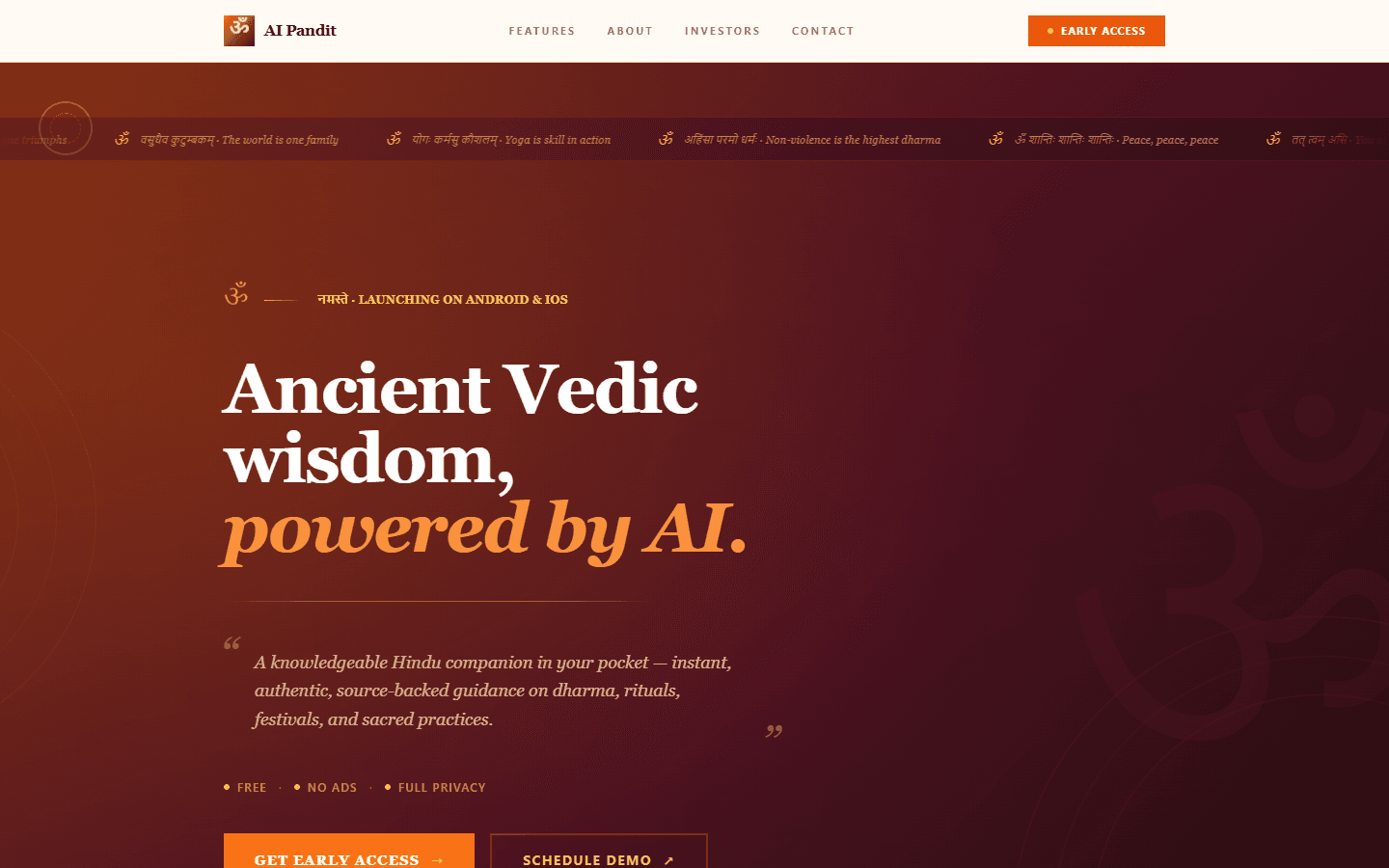
AI Pandit
Ancient Vedic wisdom, powered by AI — instant Hindu guidance, puja tools, and sacred knowledge on your phone.
- AI Pandit chatbot with source-backed answers
- Vedic Hindu calendar — festivals, tithi & muhurat
- GPS-based puja timing & alerts
AI Product / AI / Hindu
07 /
Related services
Build RAG chatbot
You've seen the demos but your data is messy, multi-source, and updates daily.
Fix RAG pipeline issues
Your RAG chatbot misses obvious answers, retrieves wrong chunks, or cites stale documents.
Add AI search to website
Your site search returns weak results and users bounce when they can't find what they need.
Fix LLM hallucinations
Your LLM confidently invents facts — fake citations, made-up API responses, wrong product details — and users have noticed.
Fix vector database performance
Pinecone, Weaviate, pgvector or Qdrant queries are slow, expensive, or returning low-quality matches at scale.
AI chatbots and voice assistants
Support and sales assistants on web, WhatsApp and voice.
08 /
Frequently asked questions
How does RAG work?
In two steps. First, the system searches an index of your content for the passages most relevant to the question, matching both keywords and meaning. Then a language model writes the answer using only those passages and cites them. Because the knowledge lives in the index rather than in the model, you change an answer by changing the document, with no retraining.
Should we use RAG or fine-tune a model on our documents?
For facts that change, use RAG. It keeps answers current, cites sources and respects permissions, and fine-tuning does none of those. Fine-tuning helps with a consistent style, format or narrow task and can sit alongside RAG, but it is a poor way to store knowledge: updating a fact means retraining, and the model cannot show where an answer came from.
How do you measure whether RAG answers are accurate?
With a question set built from your real questions, each paired with the passages and the answer it should produce. We score retrieval, meaning whether the right passages came back, and generation, meaning whether the answer is faithful, complete and correctly cited, using automated checks plus human review of a sample. The set runs before every change and on a schedule in production.
How do you stop a RAG system from exposing confidential documents?
Access rights are stored with every passage and checked at query time, before any retrieved text reaches the model. The system mirrors the permissions already set in SharePoint, Google Drive, Confluence or your own application instead of inventing new ones, and permission changes sync just like content changes. We test it with accounts at different access levels before launch.
Can you fix a RAG chatbot that gives wrong answers?
Usually, yes. Wrong answers often trace back to retrieval rather than the model: poor parsing, chunks that split the answer in two, missing metadata filters or no reranking. We start by measuring retrieval on your real questions, which shows exactly where it fails, then repair the pipeline stage by stage and prove each fix against the same questions.
Which vector database do you recommend?
The one that fits your existing stack and scale. PostgreSQL with pgvector is often enough and keeps vectors next to your data. Pinecone, Qdrant or Weaviate suit larger or more demanding workloads, and Elasticsearch makes sense if you already run it for keyword search. We choose on your data and query patterns, not on habit.
Ready to build AI that actually works in production?
Tell us about your AI project and get a free technical consultation within 24 hours. We'll map your use case, assess your data, and give you an honest feasibility assessment — no sales pitch.