AI solutions
Generative AI development that holds up in use
We build text, image and code generation into the tools your customers and staff open every day, with the prompts, review steps, evaluation and spending limits that keep output on brand and costs predictable.
01 /
Beyond the convincing demo
- OpenAI
- Claude
- Gemini
- Llama
- Stable Diffusion
- Hugging Face
- LangChain
- Vercel AI SDK
- Next.js
- Python
- PostgreSQL
- Redis
Most teams have already watched a model write a convincing paragraph or draw a plausible picture. The harder question is whether it keeps doing that on real traffic, in your voice, with your facts, at a cost the feature can carry. That is the work Krapton takes on: generative features designed around one job, such as drafting a reply, describing a product or producing a first version of a design, and tested against examples your team agrees are good.
Generation sits between your data and your users, so most of the engineering happens around the model rather than inside it. We assemble the context each request needs from your catalog, documents or style guide, constrain the output to a format your code can check, and send anything uncertain to a person. Candidate models come from OpenAI, Anthropic, Google and the open-weight families, and we choose among them by testing on your own examples rather than trusting a public leaderboard.
What you end up with is a feature your own team can run. Prompts live in version control next to the code, a test set runs before every prompt or model change, and a dashboard puts output quality and spending side by side, so the next improvement is chosen from evidence rather than a hunch.
02 /
Generative features we build
Each one starts from a task someone already does by hand, and from a clear picture of what a good result looks like.
Drafting and copywriting
Support replies, sales proposals, listing copy and ad variants drafted from your templates and past work in your house style, with an editor approving anything that goes out under your name.
Images and visual assets
Product shots on new backgrounds, variations on a campaign visual and on-brand illustrations, made with models licensed for commercial use and queued so long renders do not block the interface.
Code, queries and configuration
Assistants in internal tools that turn a plain-language request into a SQL query, a report filter or a configuration file, then validate the result before anyone runs it.
Personalized messages
Onboarding emails, renewal reminders and in-app tips written for each customer from first-party data, within rules that control what may be said and which details may be used.
Localization and tone
Existing content adapted into other languages, reading levels or regional styles, with a glossary that keeps product names and regulated terms exact and a reviewer for each new market.
Synthetic test data
Realistic but fictional records, documents and conversations for testing, demos and model evaluation, so teams can work at scale without copying real customer data into test environments.
03 /
What you receive
The shipped feature
Generation built into your product or internal tool behind a feature flag, including interface states for waiting, partial output, retries and refusals.
Prompt and context library
Versioned prompts, style rules and approved examples kept in your repository, with a note on why each instruction exists.
Evaluation set and scorecard
Rated examples of good and bad output plus automatic checks for format, banned content and factual claims, run on every change.
Review and provenance records
Approval queues for content published under your name, and a log of the model, prompt version and reviewer behind each output.
Quality and spending dashboard
Cost per generation, acceptance and edit rates, latency and flagged outputs, broken down by feature and by customer.
Operating runbook
How to change a prompt, swap a model, raise a limit or pause the feature, written for the engineers who will own it.
04 /
How we build a generative feature
Four stages, each ending in something you can review before the next one starts.
01
Define good output
We collect real examples of the work, agree what a strong, acceptable and unacceptable result looks like, and list what must never be generated. Those examples become the first version of the evaluation set.
02
Prototype on your context
We connect candidate models to your style guide, catalog or documents and compare prompt designs on the same examples, measuring quality, speed and cost per output before any interface work begins.
03
Build the controls
Output schemas, content filters, brand and fact checks, human review where the stakes call for it, and usage limits tied to your pricing are all in place before the feature reaches users.
04
Release and tune
We launch to a small group behind a flag, watch acceptance, edits and spending, and adjust prompts or models against the evaluation set until quality holds steady across real requests.
05 /
Accuracy, rights and running cost
Generated text can state things that are untrue, and generated images can echo material you have no right to use. We reduce both risks by grounding output in your own sources, filtering what goes into the model and what comes out, and requiring human approval wherever content reaches customers or the public. Commercial-use terms are checked for each model before it enters the product and documented for your legal team.
Spending grows with every request, so cost is designed in rather than discovered later: lean prompts, caching of repeated context, smaller models for simple jobs, and limits per customer that match what you charge. Personal data sent to a model is kept to the minimum the task needs, and retention and hosting region are agreed with you before launch.
06 /
From our work
- Beta
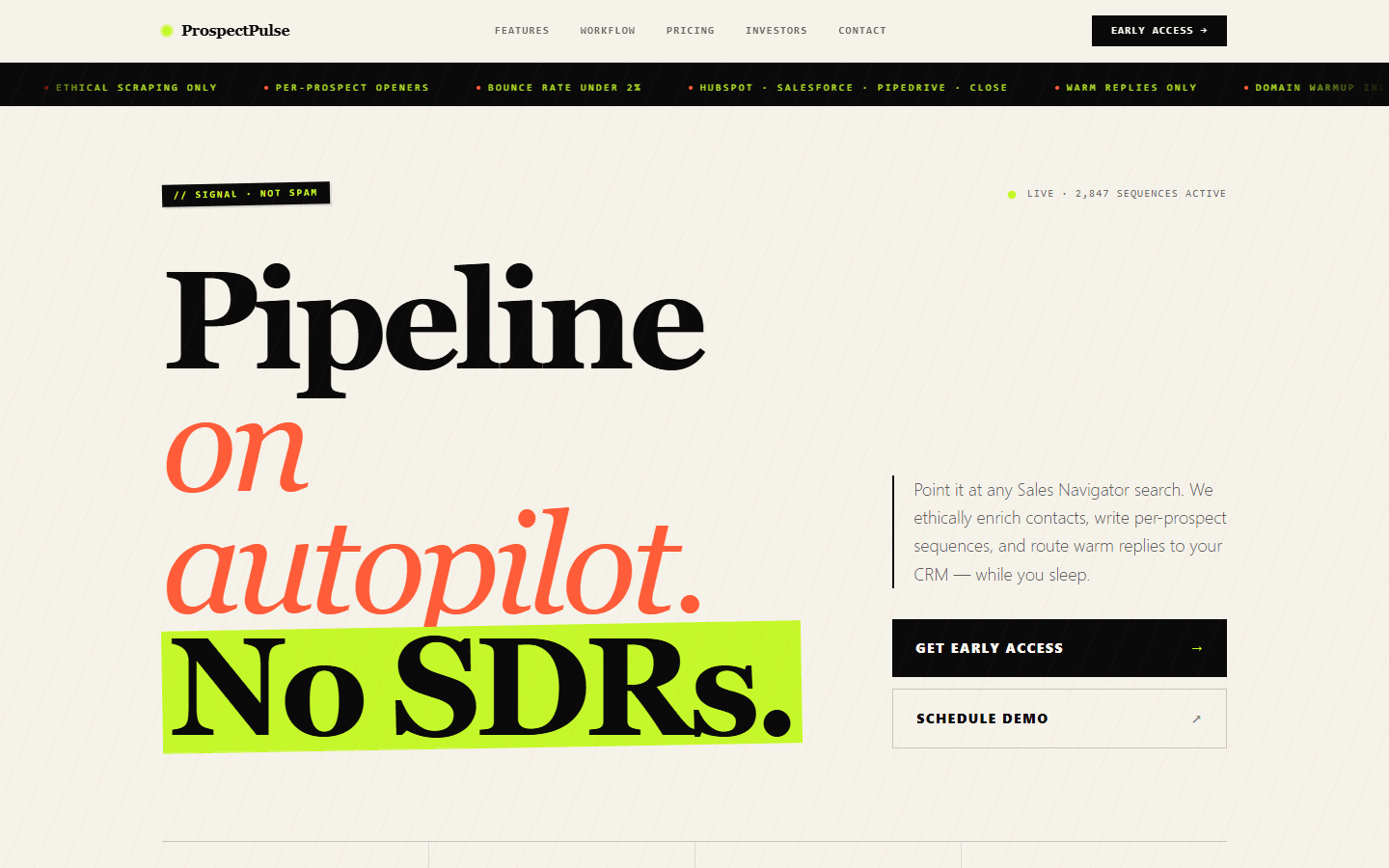
ProspectPulse
Fill your pipeline on autopilot — Sales Navigator scraping plus personalised outreach, fully automated.
- LinkedIn Sales Navigator contact extraction
- Verified email enrichment (SMTP + catch-all check)
- AI-personalised multi-step email sequences
SaaS Platform / SaaS / Lead Gen
- Available
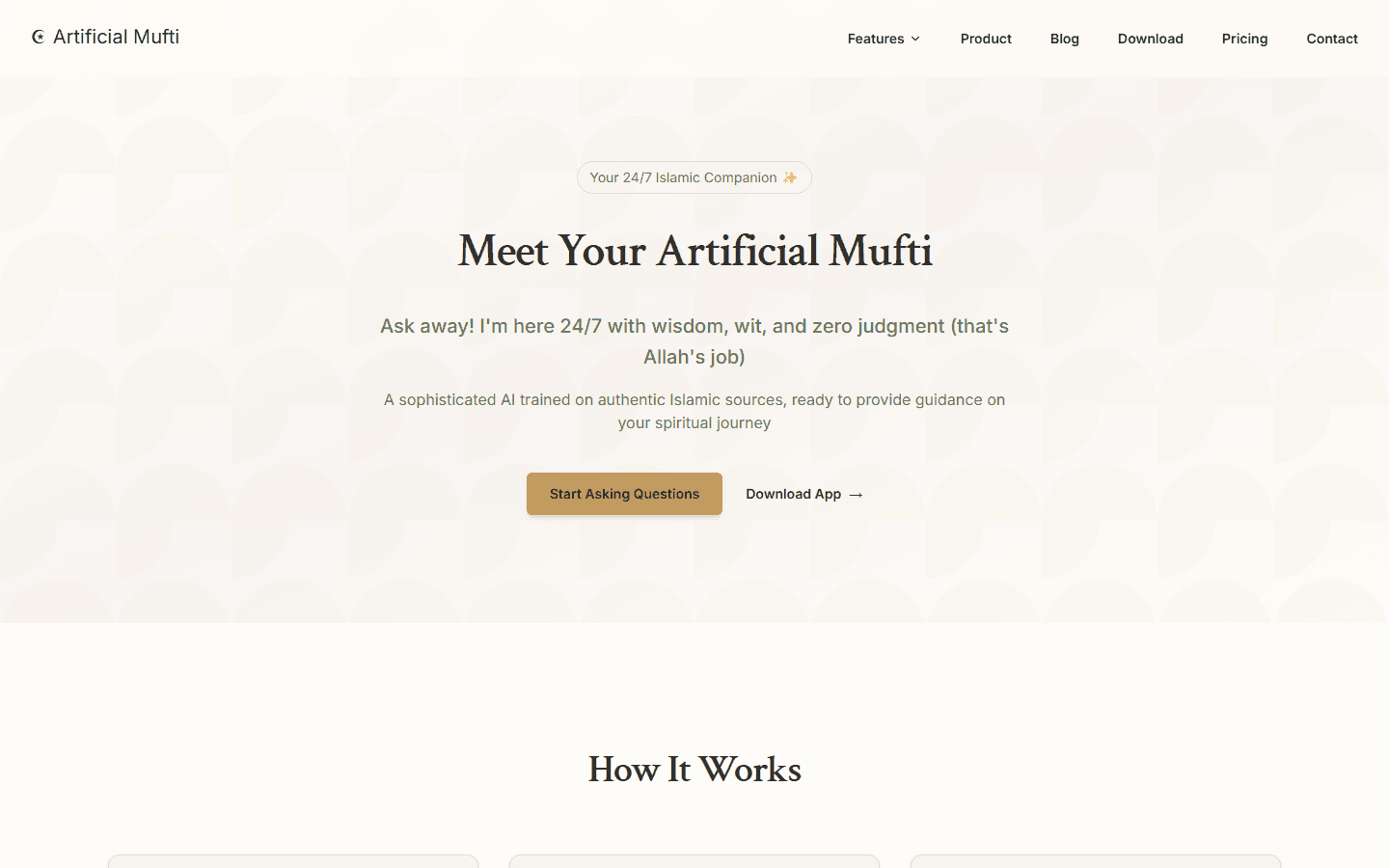
Artificial Mufti
Islamic guidance, powered by AI — instant answers, prayer tools, and Quranic wisdom on your phone.
- AI Mufti chatbot with source-backed answers
- GPS prayer times with Athan alerts
- Qibla direction finder via compass
AI Product / AI / Islamic
07 /
Related services
Build AI image generation app
You want an in-product image-generation flow — text-to-image, edit, upscale — without the latency and cost surprises.
Add streaming to AI chat
Your AI chat blocks for 5–15 seconds before responding and users abandon the conversation.
Fix LLM hallucinations
Your LLM confidently invents facts — fake citations, made-up API responses, wrong product details — and users have noticed.
Build LLM evaluation pipeline
You ship LLM features by vibes — there's no automated eval, so model swaps and prompt changes are pure gut feel.
LLM integration and fine-tuning
Connect GPT, Claude, Gemini or open models to your stack.
AI agent development
Agents that plan, use your tools and finish multi-step work.
08 /
Frequently asked questions
What is generative AI development?
It is the engineering needed to put a model that creates text, images or code inside a product or workflow and keep it dependable. That covers choosing the model, supplying the right context, checking outputs, adding human review where needed, and tracking quality and cost after launch. The model itself is usually bought through an API; the value comes from the work around it.
How do you keep generated content accurate and on brand?
We give the model your facts and style at request time, drawn from your catalog, documents and approved examples, instead of relying on what it learned in training. Automatic checks catch banned phrases, missing facts and broken formats, and anything published under your name can pass through an editor first. The evaluation set then shows whether each change made output better or worse.
Can you add image generation to our app?
Yes. We connect hosted or self-hosted image models to your product, run each job through a queue so the interface stays responsive during long renders, filter prompts and results for unsafe content, and store every image with the settings that produced it. Editing, variations and upscaling can follow once the core flow works well.
Who owns the content a generative AI feature produces?
Ownership is set by each model provider's terms and by the law in your market, and that law is still changing for machine-made work. Before a model goes into your product we read its commercial terms, prefer providers that grant clear usage rights, and log which model made each asset. Your legal team gets that record; we raise the questions and they answer them.
How much does a generative AI feature cost to run?
Running cost depends on how often the feature is used, how much context each request carries and which model handles it. We measure cost per output during the prototype, reduce it with caching, shorter prompts and cheaper models for simple requests, and set limits per user or plan so spending tracks revenue. You see those numbers before launch, not after.
What stops the feature from producing harmful or embarrassing output?
Several layers work together: instructions that set boundaries, filters on what users submit and what the model returns, blocklists for your own sensitive terms, and review for high-visibility output. We also test with deliberately hostile prompts before launch, log flagged outputs for your team to review, and give you a switch that pauses the feature at once if something slips through.
Ready to build AI that actually works in production?
Tell us about your AI project and get a free technical consultation within 24 hours. We'll map your use case, assess your data, and give you an honest feasibility assessment — no sales pitch.