AI solutions
AI agent development for work that needs more than an answer
We build AI agents that read a request, plan the steps, call your systems through approved tools and return finished work. Every action is scoped and logged, and the consequential ones wait for a person to approve them.
01 /
From answering questions to finishing the task
A chatbot can tell a customer your refund policy. An agent can find the order, check it against that policy, start the refund in your payment system and send the confirmation. That difference is the reason to build one, and the reason it takes more engineering than a chat window: every step touches live records, money or customers, so the agent has to behave predictably, hold only the access it needs and leave a record anyone can audit.
Krapton treats the model as one component in a larger piece of software. The model, whether GPT, Claude, Gemini or an open-weight model hosted in your cloud, is chosen by how it scores on your own tasks. Around it we build typed tools over your APIs and databases, durable state so a long task survives a timeout or restart, and approval steps wherever a mistake would be expensive or hard to undo.
The best first agent has one clear job, one owner and a result you can measure: a queue that gets triaged, a report that gets compiled, a record that stays current. We start there, prove the agent on real cases and widen what it may do only as its record supports it.
02 /
Jobs an AI agent can take on
Each agent works through tools you approve, sees only the data it is allowed to see and stops for a person when your rules say it must.
Support resolution agents
Reads the ticket, pulls the customer's orders and account history, applies your policy and either resolves the case or hands it to a teammate with a summary and a suggested next step.
Lead research and outreach agents
Researches new leads from public sources and your CRM, scores them against your ideal customer profile, drafts a first message for each role and logs every step back to the CRM.
Internal service desk agents
Handles staff requests in Slack or Microsoft Teams, such as access changes, equipment orders and time-off questions, by running the approved action in each system and routing anything unusual to its owner.
Reporting and analysis agents
Answers questions such as which accounts slipped this quarter by querying your warehouse with read-only access, checking the result and replying with a short summary and the query it ran.
Research and due diligence agents
Collects facts from filings, websites, contracts and internal files, checks them against your checklist and writes a structured brief in which every claim links back to its source.
Incident triage agents
Reads an alert, gathers the related logs, metrics and recent deployments, suggests the likely cause and opens a ticket for the on-call engineer. It can observe production but not change it.
03 /
What an agent project hands over
The agent, deployed and connected
Running in your cloud or ours, connected to the systems in scope, with its code, prompts and configuration in your repository.
Tool and permission map
Every tool the agent can call, the data each one reads or writes, and the actions that need a person to approve them.
Scenario test suite
Normal, edge and adversarial cases with expected outcomes, run on every change to a prompt, model or tool.
Run log and trace viewer
A searchable record of each run: what the agent was asked, which tools it called, what it changed and who approved it.
Cost and quality dashboard
Completed tasks, escalations, errors, latency and model spend per task, so you can see whether the agent is paying its way.
Runbook for the owning team
How to pause the agent, roll back a release, add a tool or change a limit, written for the people who will run it.
04 /
From one task to a trusted agent
You see evidence at every stage, from the written scope to shadow-mode results, before the agent acts on its own.
01
Scope the job and its limits
We choose one task, map the systems it touches and write down what the agent may do alone, what needs approval and what it must never do. Real past cases become the first test set.
02
Build the tools first
Each capability becomes a typed function with input validation, least-privilege credentials, rate limits and a dry-run mode. Tools are tested on their own, so a failure can be traced to the tool or to the model's decision.
03
Orchestrate and evaluate
We connect model, tools and memory in a controlled loop, in LangGraph or plain code, and run the test suite until the agent picks the right tools, stops when unsure and escalates the way it was designed to.
04
Earn autonomy in stages
The agent starts in shadow mode, proposing actions that a person carries out. As its record holds up, it gains autonomy one action type at a time, with monitoring, alerts and a way to pause it at any moment.
05 /
Keeping an agent safe to run
An agent is only as safe as the access it holds. It gets its own credentials with the narrowest scope that works, every tool call is checked against an allowlist, reversible actions are preferred, and caps limit how much it can do in a single run. Text it reads in emails, web pages or documents is treated as data, never as instructions, which is a core defense against prompt injection.
Cost and accountability need the same care. A multi-step task makes more model calls than a chat reply, so each task gets a token budget, simple steps run on smaller models and spend is reported per completed job. Where an agent handles personal data or makes decisions that affect people, the data flows are documented and a named person stays accountable for the outcome: your team sets the policy, and the system enforces it.
06 /
From our work
- Available
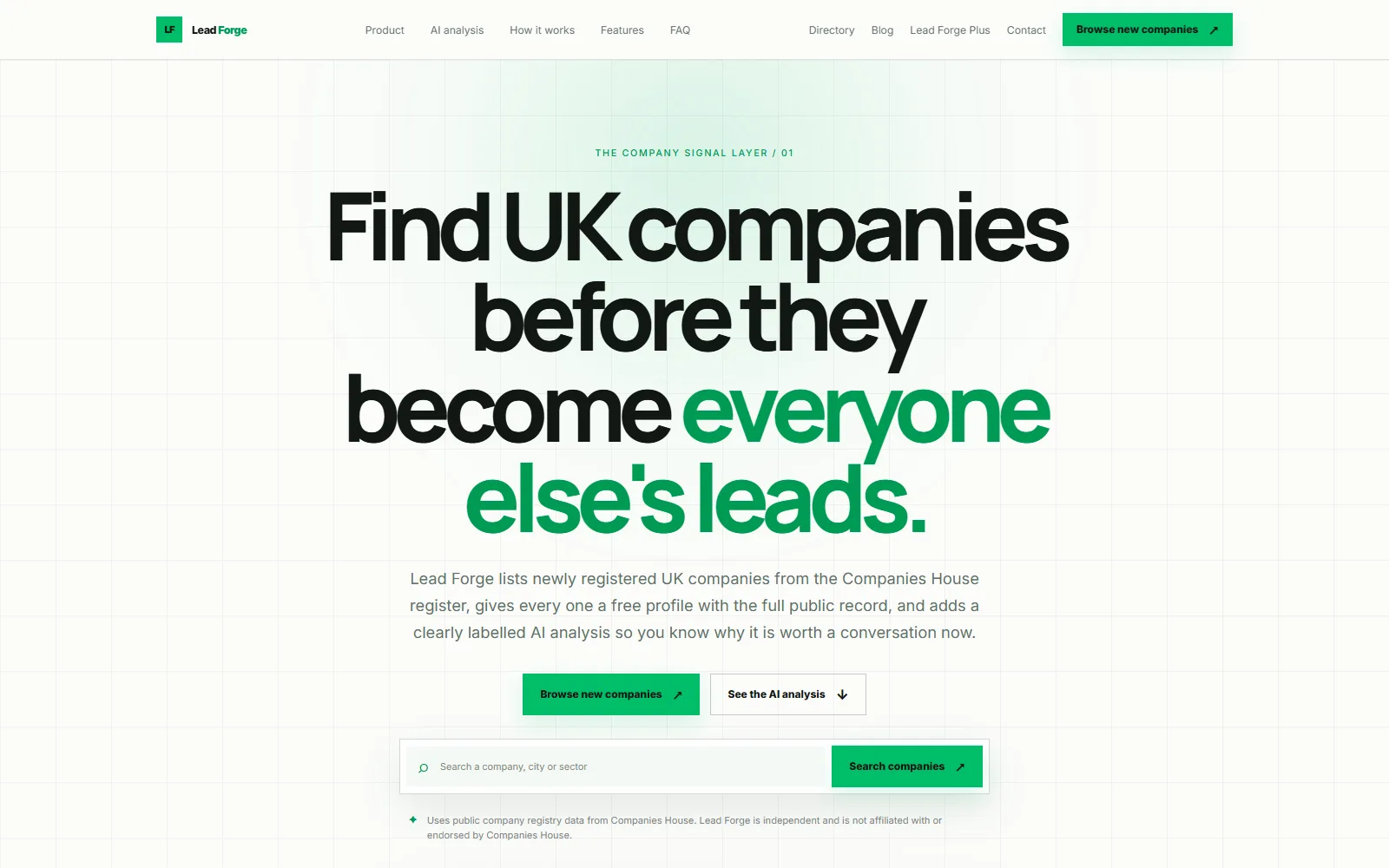
Lead Forge
Find newly registered UK companies before they become everyone else’s leads.
- New registration radar for the last 7, 30 or 90 days
- Search by company name or number, category and city
- Free profile for every company with the full public record
SaaS Platform / SaaS / Lead Gen
- Beta
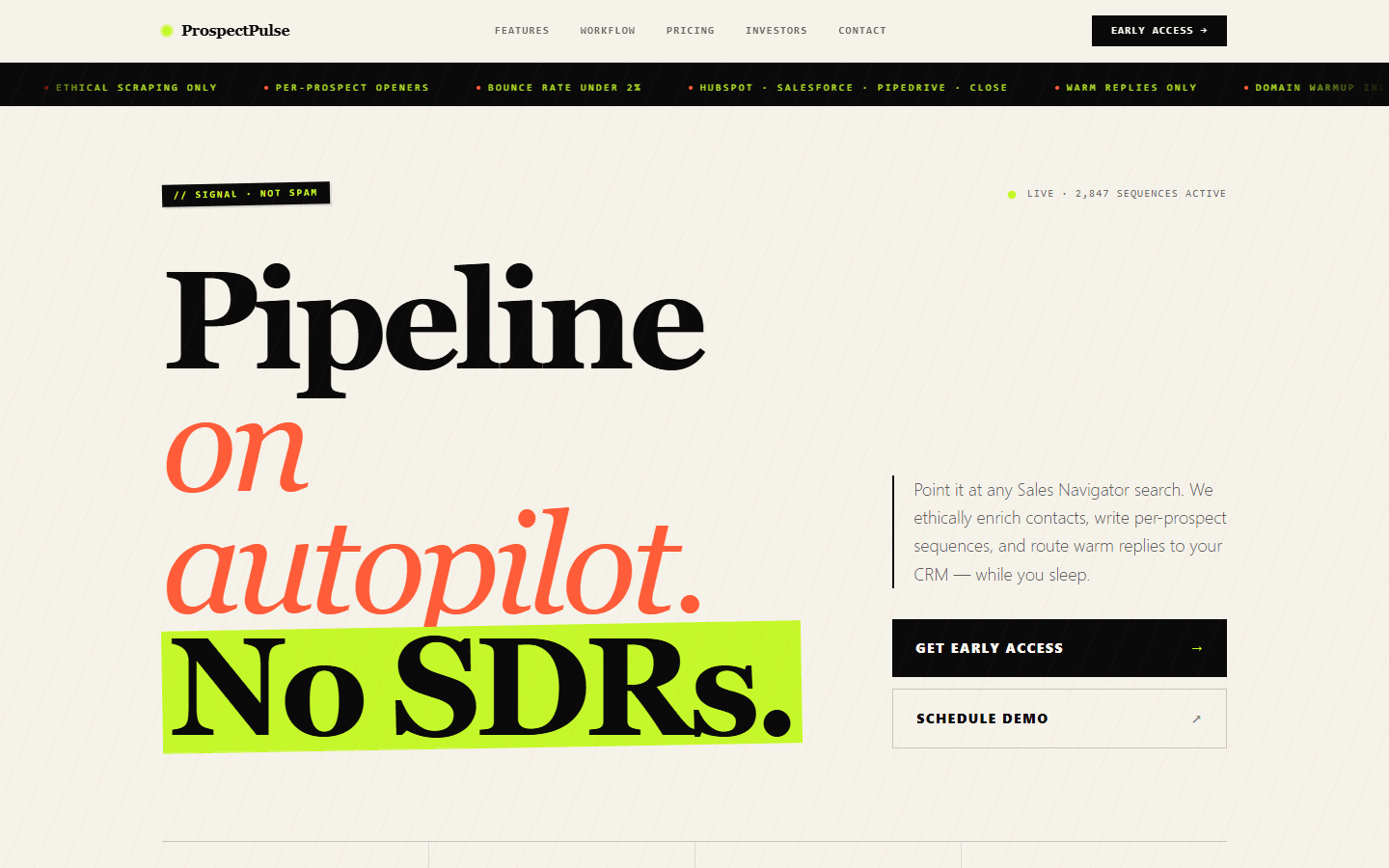
ProspectPulse
Fill your pipeline on autopilot — Sales Navigator scraping plus personalised outreach, fully automated.
- LinkedIn Sales Navigator contact extraction
- Verified email enrichment (SMTP + catch-all check)
- AI-personalised multi-step email sequences
SaaS Platform / SaaS / Lead Gen
07 /
Related services
Build AI agent for business
You want an agent that takes real actions — schedules, drafts, runs reports — not just answers questions.
AI workflow automation
Take repetitive steps out of operations, finance and support.
RAG and knowledge search
Cited answers from your documents and systems.
Build LLM evaluation pipeline
You ship LLM features by vibes — there's no automated eval, so model swaps and prompt changes are pure gut feel.
API development
Empower your applications with our robust API development services.
AI chatbots and voice assistants
Support and sales assistants on web, WhatsApp and voice.
08 /
Frequently asked questions
When does a business need an AI agent rather than a chatbot?
When the job ends in an action rather than an answer. If people ask a question and read the reply, a chatbot or search tool is enough. If someone then has to open several systems to act on that reply, an agent can take those steps. A useful test: can you write down the steps, the rules and the exceptions? If so, an agent can usually follow them.
How do you keep an AI agent from making costly mistakes?
By limiting what any mistake can cost. The agent can only reach the tools on its allowlist, each connected with credentials scoped to the job. Payments, deletions and messages to customers can require a person's approval, spending and volume caps stop runaway loops, and every run is logged. Before release we also test it against hostile inputs, including instructions hidden in the content it reads.
Which systems can an AI agent connect to?
Anything it can reach safely through an API or a database query: CRMs such as Salesforce and HubSpot, helpdesks such as Zendesk and Intercom, ERP and billing systems, Slack, email, calendars and your own services. Where a system has no API, we build a small, tested integration for it first rather than letting the agent operate a screen.
Which frameworks do you use to build AI agents?
LangGraph when a task needs branching, retries and saved state, and plain Python or TypeScript when the flow is simple enough that a framework would only hide it. Models are called through their official SDKs, prompts and tool definitions live in version control, and every run is traced so each step can be inspected afterward.
How much does AI agent development cost?
There are two costs: building the agent and running it. The build depends on how many systems, tools and approval paths are involved, and we quote a fixed scope once discovery has mapped them. Running cost depends on the steps per task, the models used and the volume. We measure it per completed task during the pilot and reduce it with smaller models and prompt caching.
Ready to build AI that actually works in production?
Tell us about your AI project and get a free technical consultation within 24 hours. We'll map your use case, assess your data, and give you an honest feasibility assessment — no sales pitch.