AI Product / Coming Soon
DocuForge AI
Turn scanned PDFs and Word docs into perfectly-formatted Excel — in seconds, not days.
01 /
About this product
- Category
- AI Product
- Status
- Coming Soon
- Pricing
- Early access — pricing announced at launch
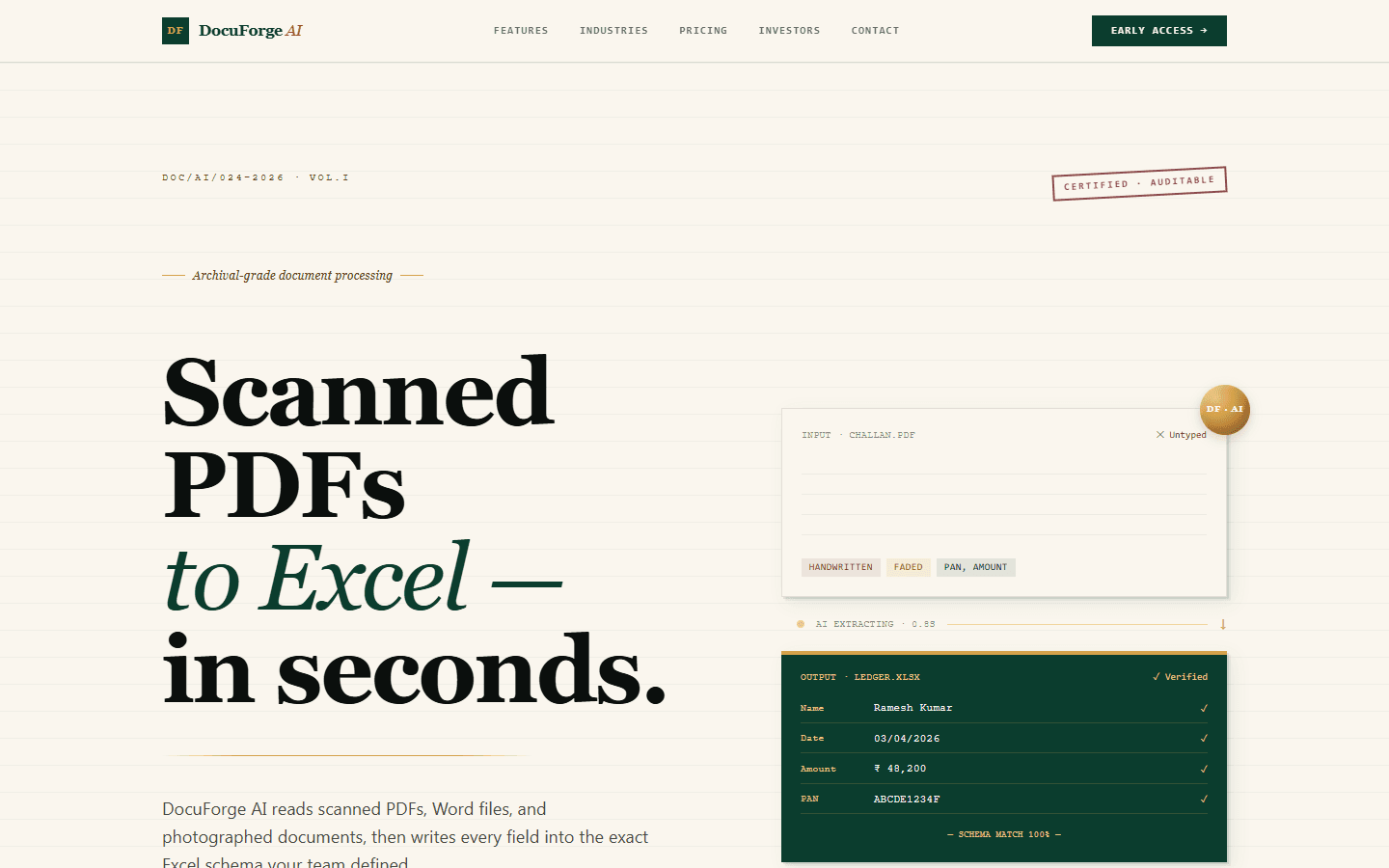
DocuForge AI is an intelligent data-entry platform that eliminates the hours your team spends typing scanned paperwork into spreadsheets. Upload scanned PDFs, Word files, or photographed documents — our vision-and-language pipeline extracts every field and maps it into the exact Excel schema you define.
Unreadable handwriting, blurred stamps, or archaic terms? DocuForge flags them with the precise row number and an inline preview so a human can review only what actually needs review — everything else ships clean. Finance, insurance, legal, and healthcare teams use it to replace entire data-entry workflows with a single drag-and-drop.
02 /
Features
- Drag-and-drop PDF, Word & image ingestion
- Custom Excel schema mapping per user
- Row-level confidence scoring
- Human-in-the-loop review queue for low-confidence rows
- Auto-highlight of unreadable or archaic words
- Bulk processing with progress tracking
- Export to .xlsx, .csv, or Google Sheets
- Audit trail for every extraction
03 /
Use cases
Finance back-office
Turn scanned invoices, statements and forms into clean spreadsheet rows mapped to your exact Excel schema — no manual retyping.
Insurance & claims
Bulk-process claim documents with row-level confidence scoring, so adjusters review only the rows that actually need a human.
Legal & healthcare records
Digitise archives of scanned paperwork with an audit trail for every extraction — unreadable or archaic terms get flagged inline for review.
04 /
Built with
05 /
Frequently asked questions
What file formats does DocuForge AI accept?
Scanned PDFs, Word documents and photographed documents. The vision-and-language pipeline reads them all and maps fields into the Excel schema you define.
What happens with unreadable handwriting?
DocuForge flags low-confidence rows with the precise row number and an inline preview, so a human reviews only what needs review — everything else ships clean.
Where can I export the results?
Export to .xlsx, .csv, or directly to Google Sheets, with an audit trail of every extraction.
When can I try it?
DocuForge AI is in pre-launch. Express your interest on this page and we will invite you to the early-access programme.
06 /
Related products
- Available

Artificial Mufti
Islamic guidance, powered by AI — instant answers, prayer tools, and Quranic wisdom on your phone.
AI Product
- Coming Soon

AI Pandit
Ancient Vedic wisdom, powered by AI — instant Hindu guidance, puja tools, and sacred knowledge on your phone.
AI Product
- Beta
Apex Engineer
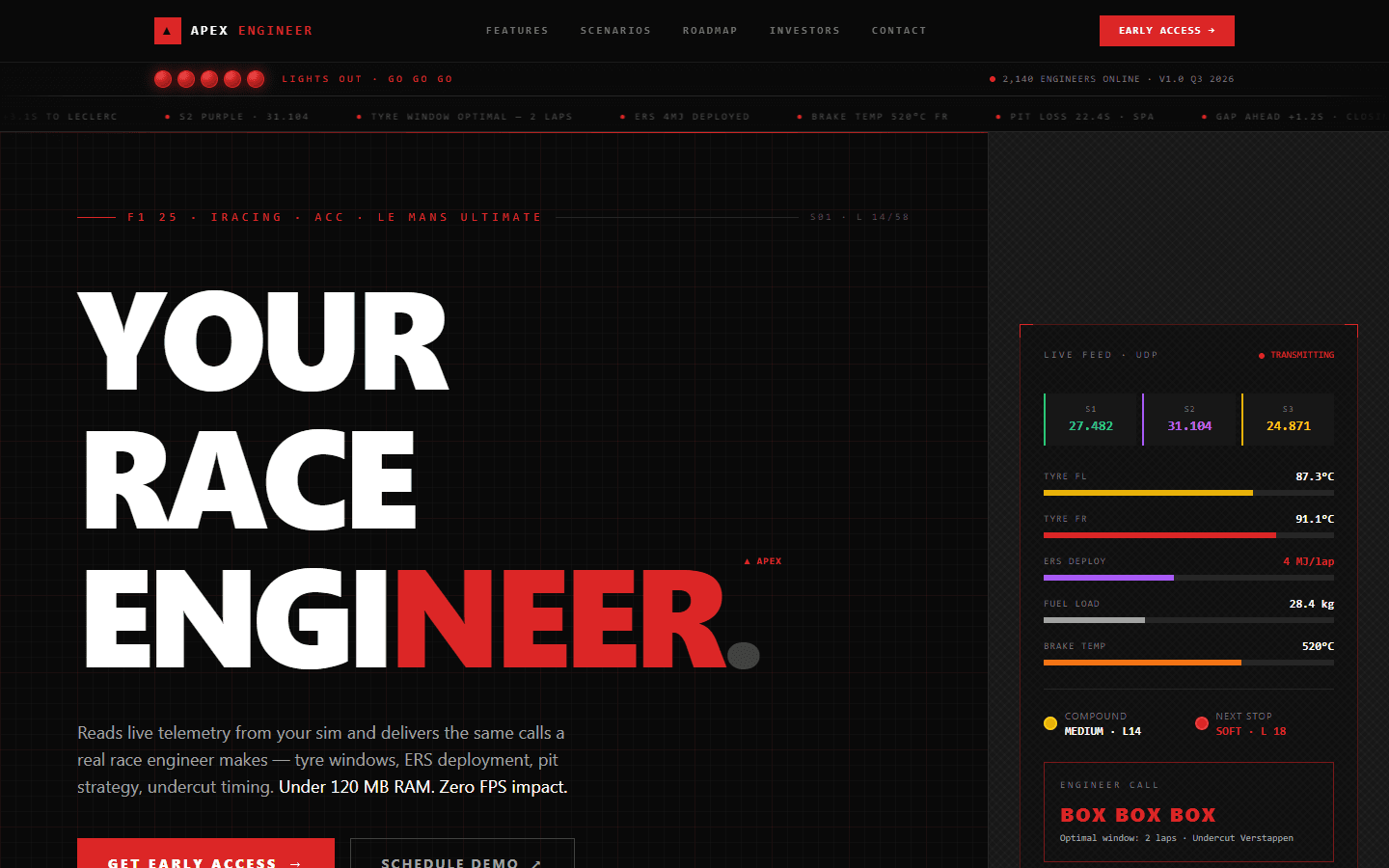
Your personal F1 race engineer — live strategy, setups, and split-second calls while you drive.
AI Product
Interested in DocuForge AI?
Visit the website or get early access from our team.