Machine learning
NLP and document processing
We build language and document AI that reads invoices, contracts, emails and forms, extracts the fields your systems need, classifies and routes the rest, and sends uncertain cases to people, with every value traceable to its source.
01 /
From documents to data you can check
- Python
- Hugging Face
- PyTorch
- OpenAI
- Claude
- Gemini
- Llama
- LangChain
- OpenCV
- PostgreSQL
- FastAPI
- Docker
Many teams still move information by hand: copying totals from PDFs, reading emails to decide who should handle them, summarizing long files for someone else to act on. Krapton builds NLP and document processing that takes over the repetitive reading and typing and leaves judgment calls with people, with a clear record of what the system read and why it decided what it did.
Large language models changed what is practical. Varied layouts, mixed languages and long free text can now be handled without a hand-written rule for every template. They also changed what can go wrong, because a fluent answer can still be wrong. Our pipelines pair models with validation rules, confidence thresholds and a reference set of checked documents that measures every change.
The output is structured data your ERP, CRM or case management system can use directly. Each value keeps a link to the page and position it came from, so reviewers and auditors can check it against the source, and each correction a reviewer makes becomes an example that improves the next release.
02 /
Documents and text we process
Common starting points, each measured field by field or label by label against examples your own team has checked.
Invoices, receipts and forms
Capture supplier, dates, totals, tax and line items from invoices and forms in any layout, match them against purchase orders and vendor records, and post clean entries to your finance system.
Contract and policy review
Extract parties, dates, renewal terms, obligations and key clauses, compare them with your standard positions, and flag deviations for a lawyer or contract manager to review.
Email and ticket triage
Classify incoming messages by intent, urgency and topic, pull out order numbers, account IDs and requested actions, and route each message to the right queue with a suggested reply where it helps.
Summaries of long documents
Condense reports, case files, medical records or meeting transcripts into structured summaries with references to the source passages, so readers can verify any point before relying on it.
PII detection and redaction
Find names, addresses, account numbers and health details in documents and text, then mask or remove them before files are shared, archived or used to train other models.
Feedback and review analysis
Group survey answers, product reviews and support transcripts into themes, measure sentiment by theme over time, and surface the specific complaints behind a change in scores.
03 /
What the document pipeline includes
Document inventory and field schema
Every document type in scope, the fields to capture and a written definition for each, agreed with the people who use the data.
Gold set and evaluation report
Hand-checked documents scored field by field, with results reported per document type and per field before each release.
Processing pipeline
Ingestion, OCR, classification, extraction and validation as one service, recording which model and version handled each page.
Review workspace
A queue where staff see flagged fields beside the source page, confirm or correct them, and move on to the next item.
System integrations
Clean data delivered to your ERP, CRM, document store or spreadsheets, with a logged history behind every field.
Operations dashboard
Volumes, straight-through processing rate, corrections by field, turnaround time and cost per page.
04 /
How we build a document pipeline
Measurement comes before automation, so every improvement shows up as a number you can check.
01
Inventory the documents
We sample what actually arrives: types, layouts, languages, scan quality and volumes, and the fields each team needs. Each field gets a written definition, and awkward cases get worked examples.
02
Build the gold set
A set of documents is checked by hand to become the benchmark. Every model, prompt or rule change is scored against it field by field before release, so progress and regressions are both visible.
03
Assemble the pipeline
OCR and layout analysis feed a document classifier, then an extractor chosen per type: rules for fixed formats, fine-tuned models for high volumes, and LLMs with schema-checked output for varied layouts and free text.
04
Review, release and tune
Low-confidence fields go to a review queue, and corrections become new training and test examples. After launch, dashboards track straight-through rate, errors by field and cost per page, and thresholds are adjusted as confidence grows.
05 /
Confidential documents and human review
Documents often carry personal, financial or health information. We collect only the fields you need, redact before text reaches a third-party model where appropriate, and use provider terms that exclude your data from model training, or host open models inside your own cloud. Encryption, access controls, retention limits and audit logs are designed in, and we work to your obligations under laws such as GDPR or HIPAA alongside your compliance team.
Extraction is never perfect, so the design decides where people step in. Fields that move money, settle a claim or change a legal position can require review above a set value or below a confidence threshold. Running costs are tracked per page, and routing simple documents to smaller models keeps them predictable as volumes grow.
07 /
Related services
Computer vision development
Inspection, recognition and capture from images and video.
Automate business workflows
Repeatable processes (onboarding, billing reminders, fulfilment) eat engineering and ops time every week.
Build LLM evaluation pipeline
You ship LLM features by vibes — there's no automated eval, so model swaps and prompt changes are pure gut feel.
Fine-tune LLM on custom data
You need an LLM that talks like your brand, uses your domain language, and avoids the open-web tone of GPT defaults.
Hire Hugging Face developers
Insurance software
We build policy, claims, underwriting and broker platforms that turn insurance from forms-and-fax into a Stripe-grade digital experience.
08 /
Frequently asked questions
What is intelligent document processing?
Intelligent document processing turns documents into structured, validated data. It combines OCR, document classification, field extraction, business-rule checks and human review in one pipeline. Plain OCR returns the text on a page; intelligent document processing works out what that text means, such as which number is the invoice total, and whether it can be trusted.
Should we use an LLM or a traditional NLP model?
It depends on volume, variety, speed and privacy. LLMs handle varied layouts, reasoning over long text and summarization with little training data. Fine-tuned smaller models are faster and cheaper per document for stable, high-volume tasks such as classification. Many pipelines use both, routing each document by type and confidence to the most economical model that meets the accuracy target.
Can it read scanned documents and handwriting?
Printed scans and phone photos work well once they pass through image cleanup and OCR tuned for layout. Handwriting varies more with legibility, so results depend on your samples, and we measure them before committing. Fields the system cannot read confidently are flagged with the source image for a person to check.
How do you measure extraction accuracy?
Against a gold set of documents your team has checked. We score each field for precision and recall, require exact matches for identifiers and amounts after normalizing formats, and report results per document type. The same test runs before every release, so a change that improves one field while breaking another is caught.
Do AI providers train their models on our documents?
Not unless you choose that. We use model providers under terms that exclude customer data from training, redact sensitive fields where appropriate, or run open-weight models in your own cloud. Your gold set and reviewer corrections are used only to improve your own pipeline, and retention periods are agreed before launch.
Have you built document AI before?
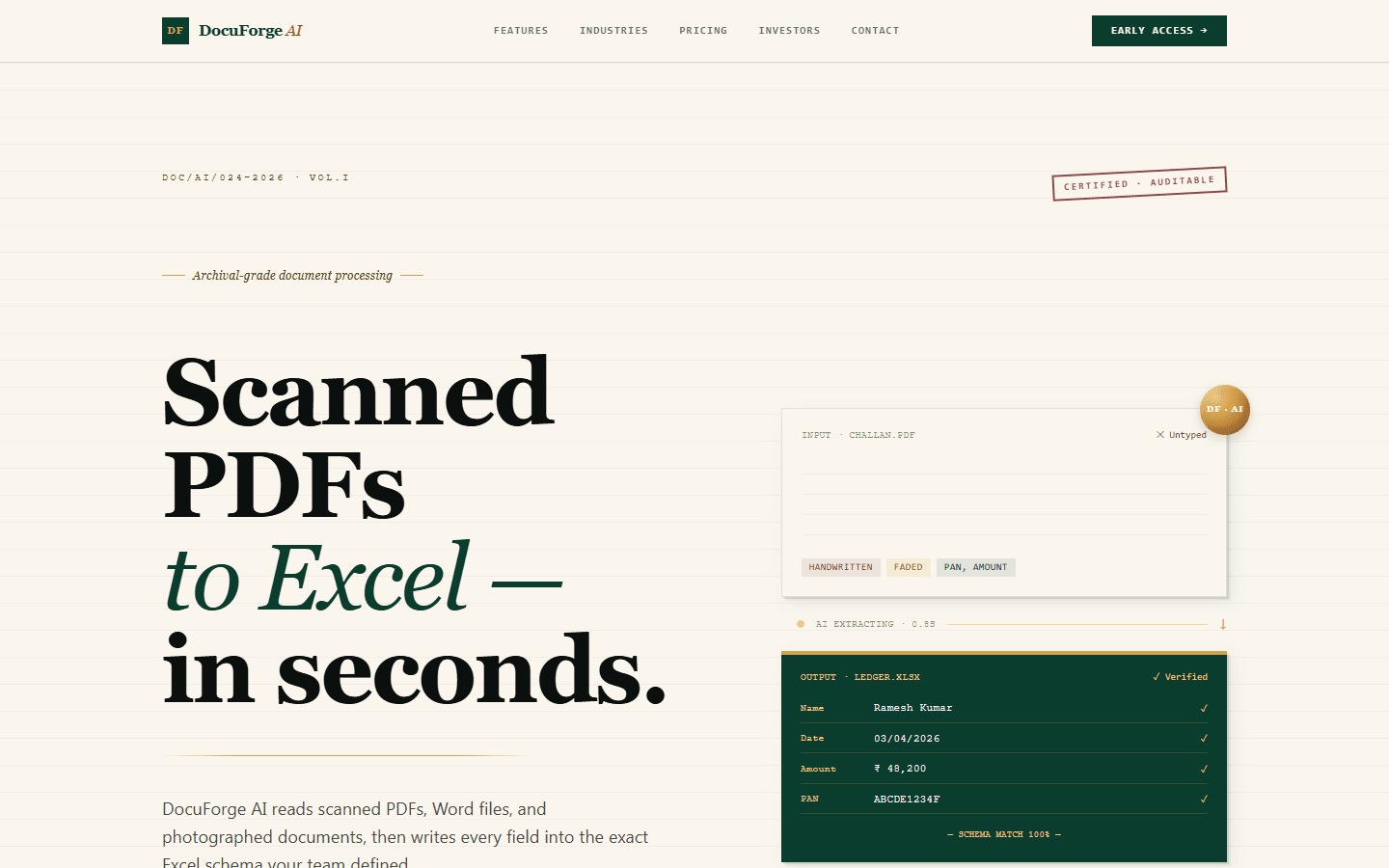
Yes. Krapton's own product DocuForge AI, currently in pre-launch, turns scanned PDFs, Word files and photographed documents into spreadsheet rows mapped to a schema each user defines. It scores confidence row by row and sends unreadable or unusual entries to a human review queue, the same pattern this page describes.
Ready to build AI that actually works in production?
Tell us about your AI project and get a free technical consultation within 24 hours. We'll map your use case, assess your data, and give you an honest feasibility assessment — no sales pitch.