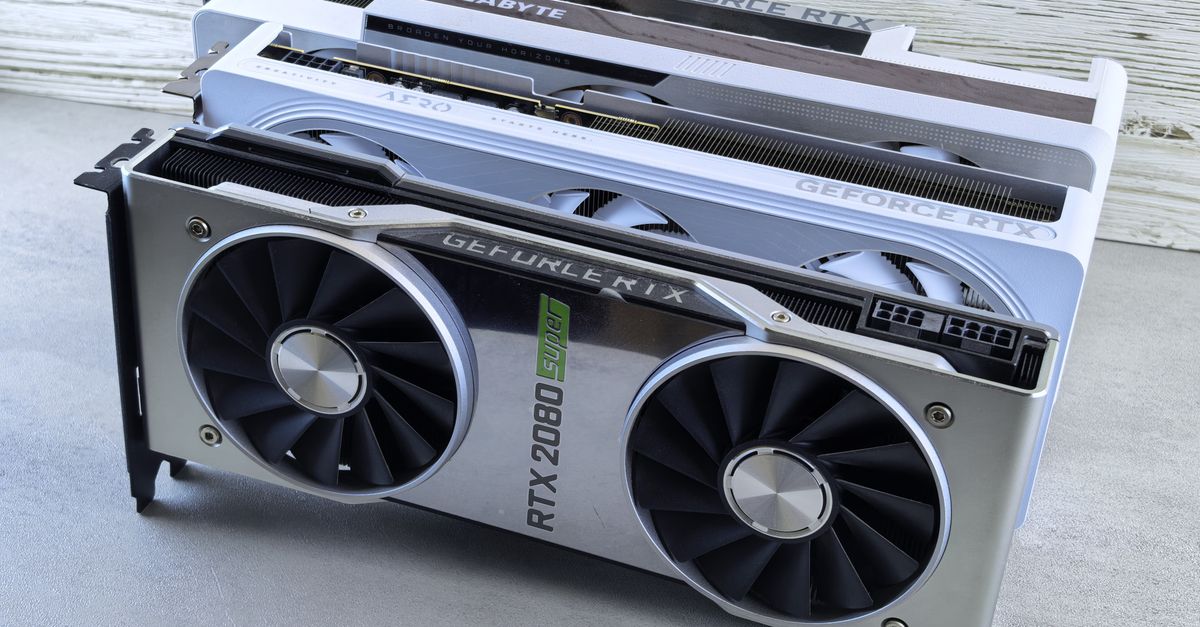
For engineering teams deploying LLMs, the conversation has shifted from "how many GPUs do we need" to "how much VRAM can we afford to keep active." In our recent work architecting inference pipelines, we found that throughput isn't constrained by raw FLOPS as often as it is by memory bandwidth and VRAM capacity. When you are serving models like Llama 3 or Mistral, the hardware choice dictates your entire cost-per-token model.
TL;DR: VRAM capacity determines if a model fits, but memory bandwidth determines if it serves users fast enough. For inference, prioritize VRAM capacity first to avoid offloading to system RAM, then focus on memory bandwidth to reduce latency.
Key takeaways
- VRAM is the hard limit: Your model weights must fit entirely in VRAM to avoid the performance cliff of CPU-offloading.
- Bandwidth matters more than TFLOPS: For inference (unlike training), memory bandwidth is the primary factor limiting your tokens-per-second.
- Quantization is mandatory: 4-bit or 8-bit quantization is now industry standard for production inference to balance quality and cost.
- Cloud vs. On-Prem: Renting H100s is cost-effective for high-traffic spikes; purchasing RTX 4090s or A6000s remains the winner for steady-state, lower-latency internal tooling.
The VRAM Math: Why Capacity Dictates Performance

In a recent client engagement involving a custom RAG (Retrieval-Augmented Generation) pipeline, we observed a 10x latency jump when a model spilled over from GPU VRAM into system RAM. This happens because the PCIe bus speed is orders of magnitude slower than the HBM3 or GDDR6X bandwidth on a GPU. When your model size exceeds your VRAM, you aren't just losing speed—you are breaking the user experience.
To calculate your minimum VRAM, use the rule of thumb: Model Parameters (in billions) × 2 bytes (for FP16) + Context Window Overhead. For a 70B parameter model, you need at least 140GB of VRAM just to load the weights. If you are quantizing to 4-bit, you can reduce that footprint significantly, but you must account for the KV cache, which grows linearly with your context window length.
Hardware Comparison for AI Inference
| Hardware Class | Typical VRAM | Best For | Cost Profile |
|---|---|---|---|
| Consumer (RTX 4090) | 24GB | Local dev, fine-tuning, small-scale inference | Low CapEx |
| Prosumer (RTX 6000 Ada) | 48GB | Mid-sized models, production edge | Mid-range |
| Enterprise (A100/H100) | 80GB+ | High-concurrency LLM APIs | High OpEx/Rental |
| Apple Silicon (M3/M4 Max/Ultra) | Up to 128GB+ (Unified) | Local inference, dev workstations | High CapEx |
The Memory Bandwidth Bottleneck
As of 2026, memory bandwidth is the true arbiter of your tokens-per-second (TPS). While many engineers focus on CUDA core counts, inference is memory-bound. You are essentially streaming the model weights through the memory controller for every single token generated. According to NVIDIA’s developer documentation, maximizing memory throughput is the most effective way to optimize inference latency for autoregressive models.
In our own internal testing, we found that using an RTX 4090 with faster GDDR6X memory often outperformed older enterprise cards with higher raw compute but slower memory clocks for simple text generation tasks. If your application requires low-latency responses, prioritize memory bus width and clock speed over raw CUDA core count.
Apple Silicon: The Dev Workstation Wildcard
Apple’s Unified Memory Architecture (UMA) is a game-changer for local AI development. Because the GPU shares memory with the CPU, you can load models that would require multiple enterprise GPUs on a single workstation. We frequently use M-series Max chips to test quantized models locally before pushing to AWS cloud infrastructure.
However, Apple Silicon is not a replacement for data center-grade hardware. The latency is higher compared to H100s, and you lack the massive parallel throughput required for high-concurrency production endpoints. It is, however, the best tool for local experimentation and fine-tuning scripts.
When NOT to use this approach
Avoid building a high-concurrency production inference cluster on local workstations or consumer-grade hardware. While tempting for cost savings, you will face severe stability issues, power delivery failures, and lack of support for enterprise-grade orchestration tools like Kubernetes with GPU scheduling. If you need to serve thousands of concurrent requests, stick to managed cloud instances or dedicated server-grade hardware.
Common Pitfalls in Inference Setup
- Ignoring KV Cache: Developers often calculate memory for weights but forget the KV cache. As your context window increases (e.g., to 128k tokens), the KV cache can consume several gigabytes of VRAM.
- PCIe Bottlenecks: If you are running multi-GPU setups on consumer motherboards, ensure you have enough PCIe lanes. A constrained bus will throttle your model loading and inter-GPU communication.
- Power Constraints: Enterprise GPUs require dedicated power delivery. We have seen production rollouts fail because a standard rack power distribution unit (PDU) could not handle the transient power spikes of high-end GPUs.
Next Steps for Your AI Infrastructure
Selecting the right hardware is only half the battle. Once the hardware is in place, you need to optimize your serving layer—whether that’s vLLM, TGI, or a custom Triton implementation—to fully utilize that bandwidth. Whether you are building an on-prem cluster or optimizing your cloud spend, having the right architecture is critical.
Building AI infra or apps? Get an engineering consult from Krapton. We help teams navigate hardware selection and cloud optimization. Hire a dedicated Krapton team to streamline your AI development.
Krapton Engineering
Krapton Engineering is a team of principal-level developers and architects who have spent years shipping high-performance web applications, AI-integrated SaaS products, and complex backend infrastructure.